For Creators Ready to Build
Profitable Travel Blogs Rooted in Purpose, Storytelling, and Strategy.
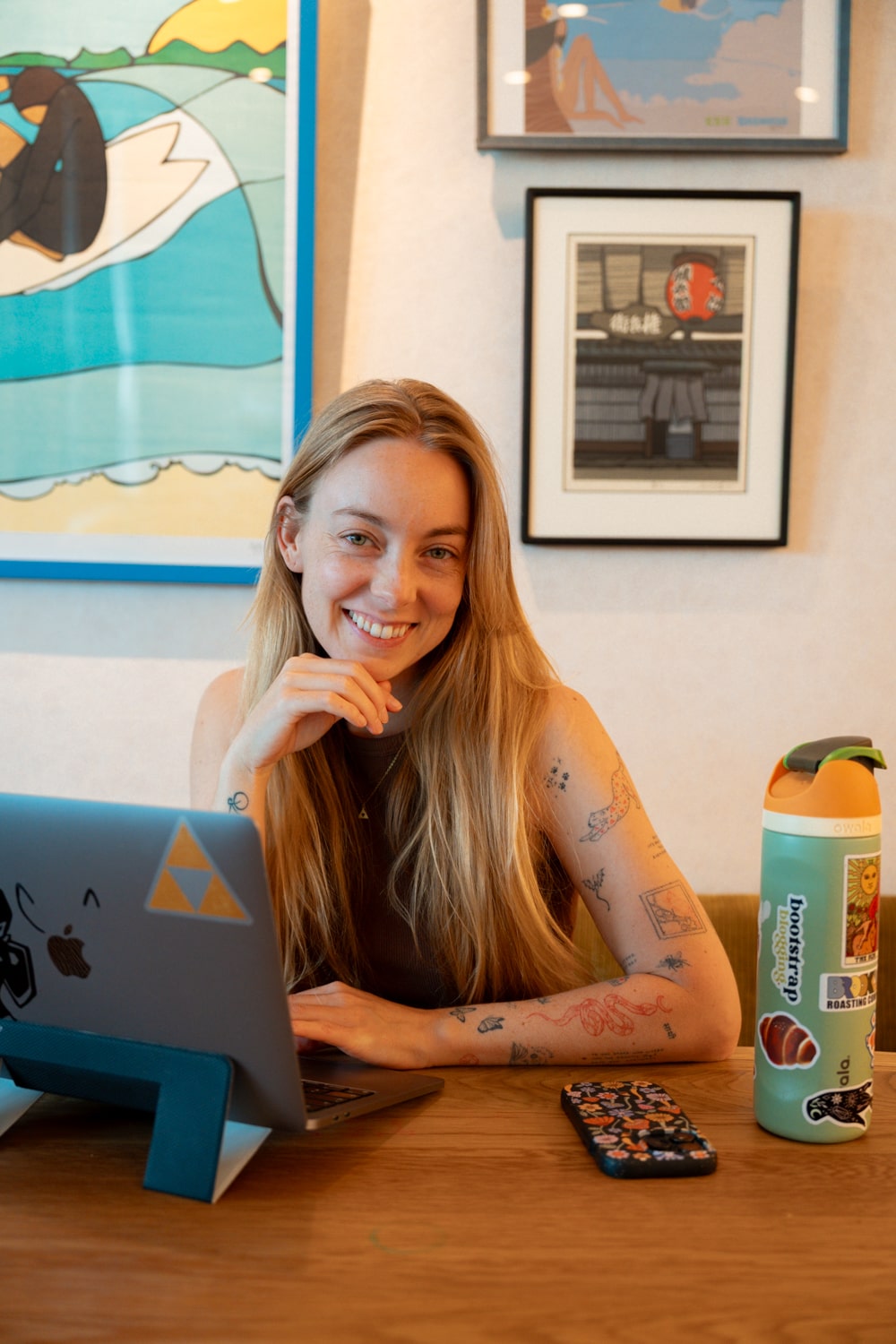
Hi, I’m Bri! I’m a full-time travel blogger, digital nomad, & founder of Bootstrap Blogging. I’ve been blogging since 2015 and have built a portfolio of successful blogs through intentional SEO, storytelling, and strategic content planning. Now, I help fellow creators do the same, without the overwhelm or burnout.
Travel blogging changed my life—and I’m here to help it change yours, too.

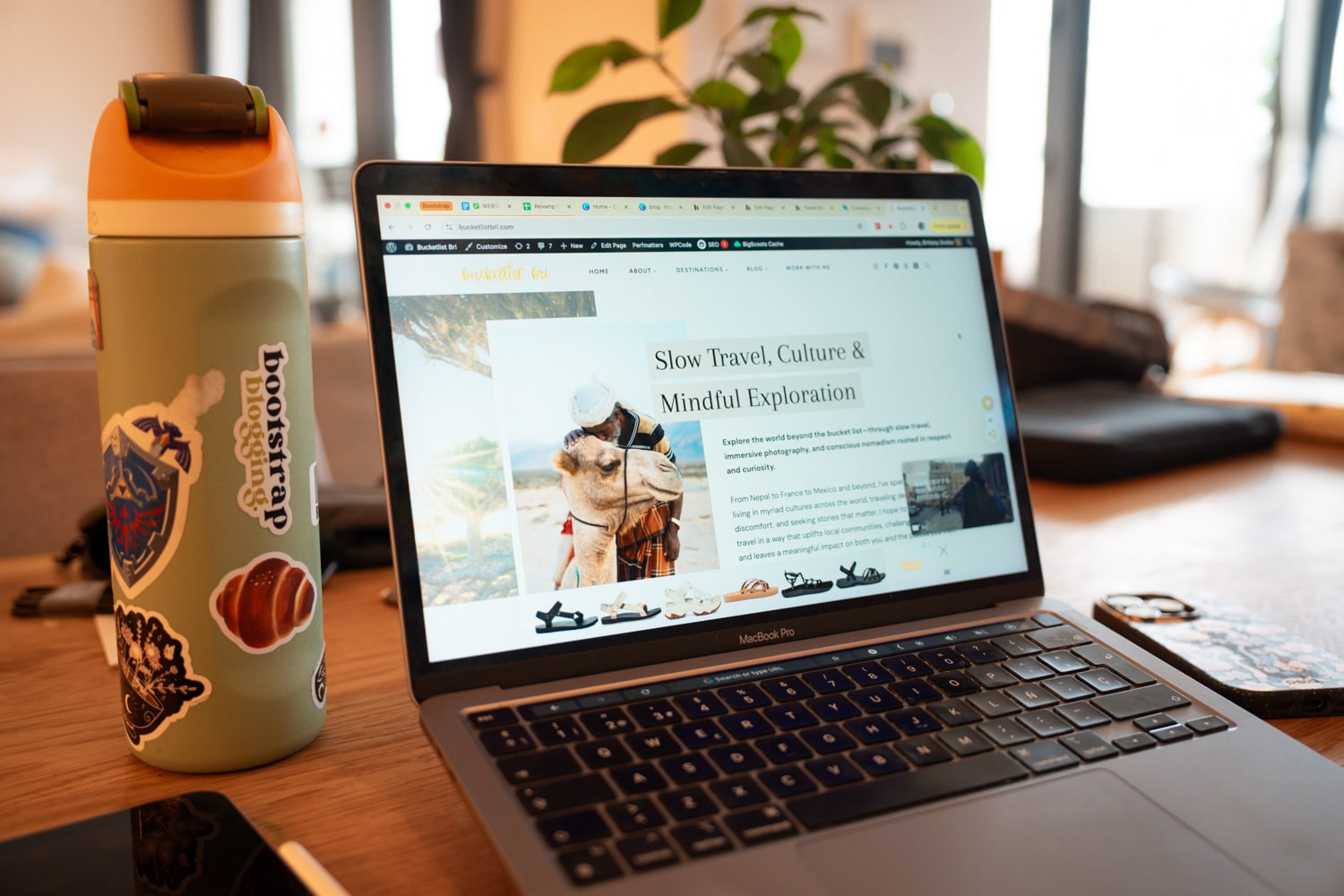
travel. blog. repeat.
Create a Travel Blog That Works While You Wander
Ever dreamt about travel blogging and getting paid to do it? That dreamy reality is more possible than ever—and Bootstrap Blogging will show you how. This course is your step-by-step blueprint for finally growing your travel blog traffic and making money blogging.
Become a Professional Travel Blog Writer
Learn how to write blog posts that rank and resonate. Master the structure of high-performing posts, discover your writing voice, and create content that connects with readers and drives organic traffic to your travel blog.
Learn Advanced SEO Beyond the Basics
Make Google your friend with foolproof SEO. Understand how search engines work, choose the right keywords, and optimize every post with strategies designed for long-term visibility and success in search results.
Scale Your Passive Income to 5+ Figures
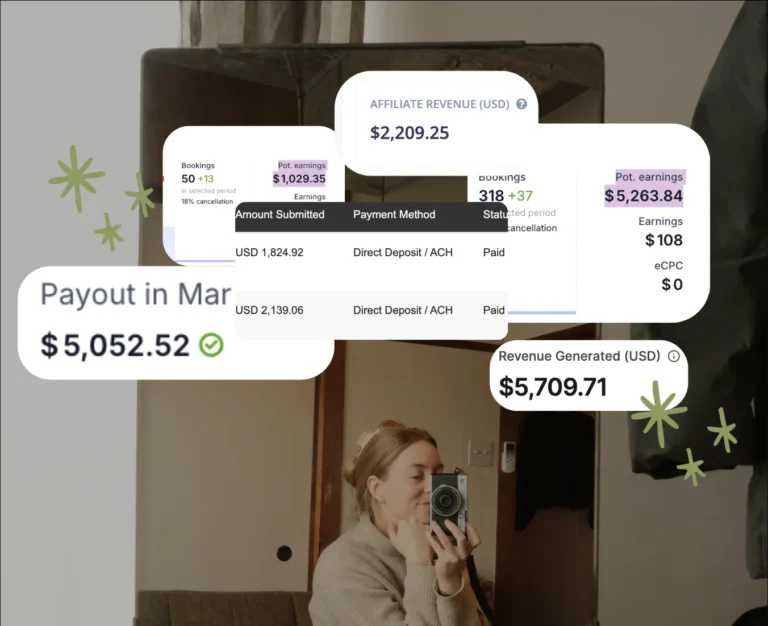
Learn how to maximize affiliate link revenue, create high-converting travel guides and digital products, plus get expert techniques to scale your passive income—even while you’re offline or exploring new destinations.
trusted by 100+ creators






“Bri’s course and her invaluable help along the way helped me reach my 50K traffic goal to get on Mediavine. It’s because of my blog that I was approached about writing a book about hiking with dogs in New England, and for the first time, I am seeing my blog income match that of my teacher’s salary. None of this would have been possible without this course, the community, and Bri’s direction.”
Kristen, Early Bird on the Trail
Hi, I’m Bri! your travel blogging coach
Travel Blogger & Blog Coach to Creatives
I’m here to help you earn passive income doing something you actually love: creating content, telling meaningful stories from your travels, and building a digital business that gives you financial freedom.
Back in 2021, a few gals who followed me on Instagram asked if I could mentor them. In that moment, Bootstrap Blogging was born—a travel blog course and community for creators who wanted to turn their travel experiences and content into something more (and that pays back).
I created the very kind of space I wish I had when I started out. One rooted in support, honesty, and a no-BS approach to building and maintaining a travel blog from the ground up. Over the past decade, I’ve slow-traveled and lived in over ten countries. I moved to France in 2013, then Nepal in 2015, and eventually decided to pivot away from a career in humanitarian aid to take my travel blog full time.
Since then, I’ve:
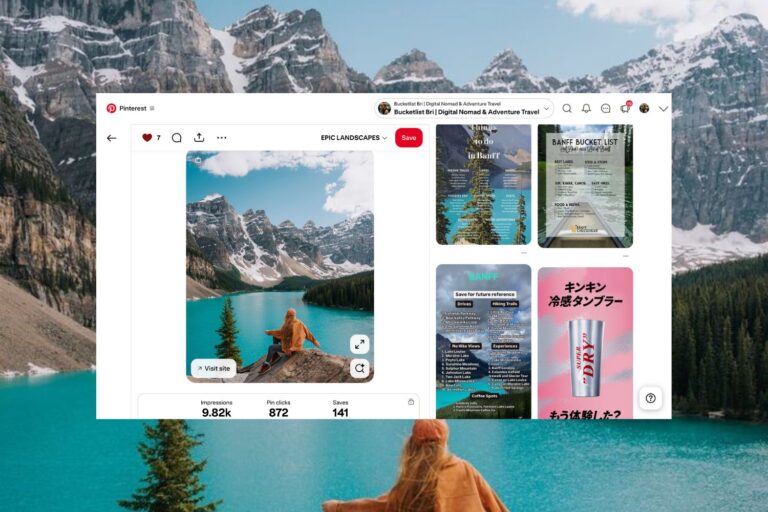
- Grown my travel blog to 100K+ monthly pageviews
- Landed paid partnerships and press trips with tourism boards
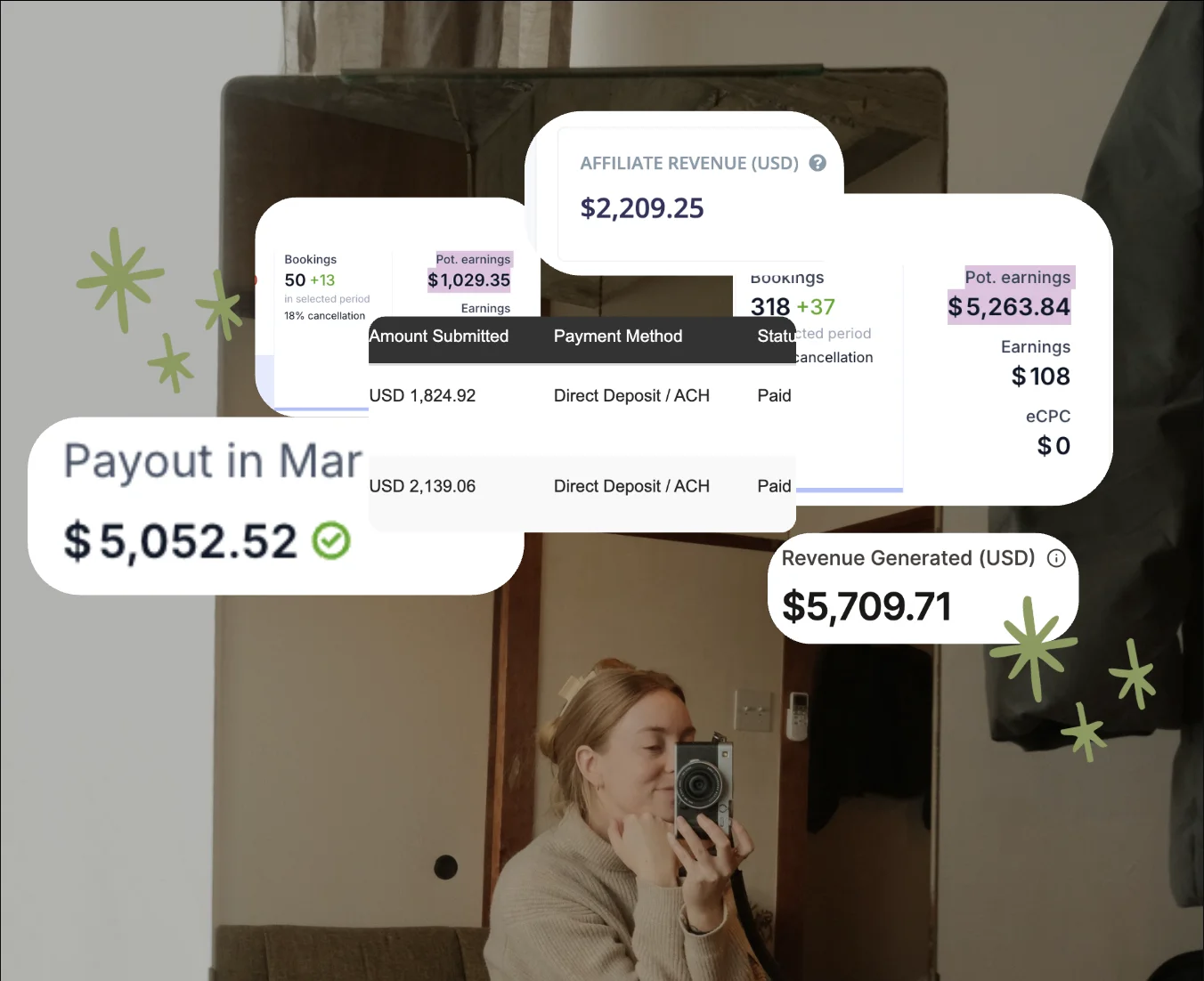
- Built multiple sites + passive income streams, surpassing six figures annually!
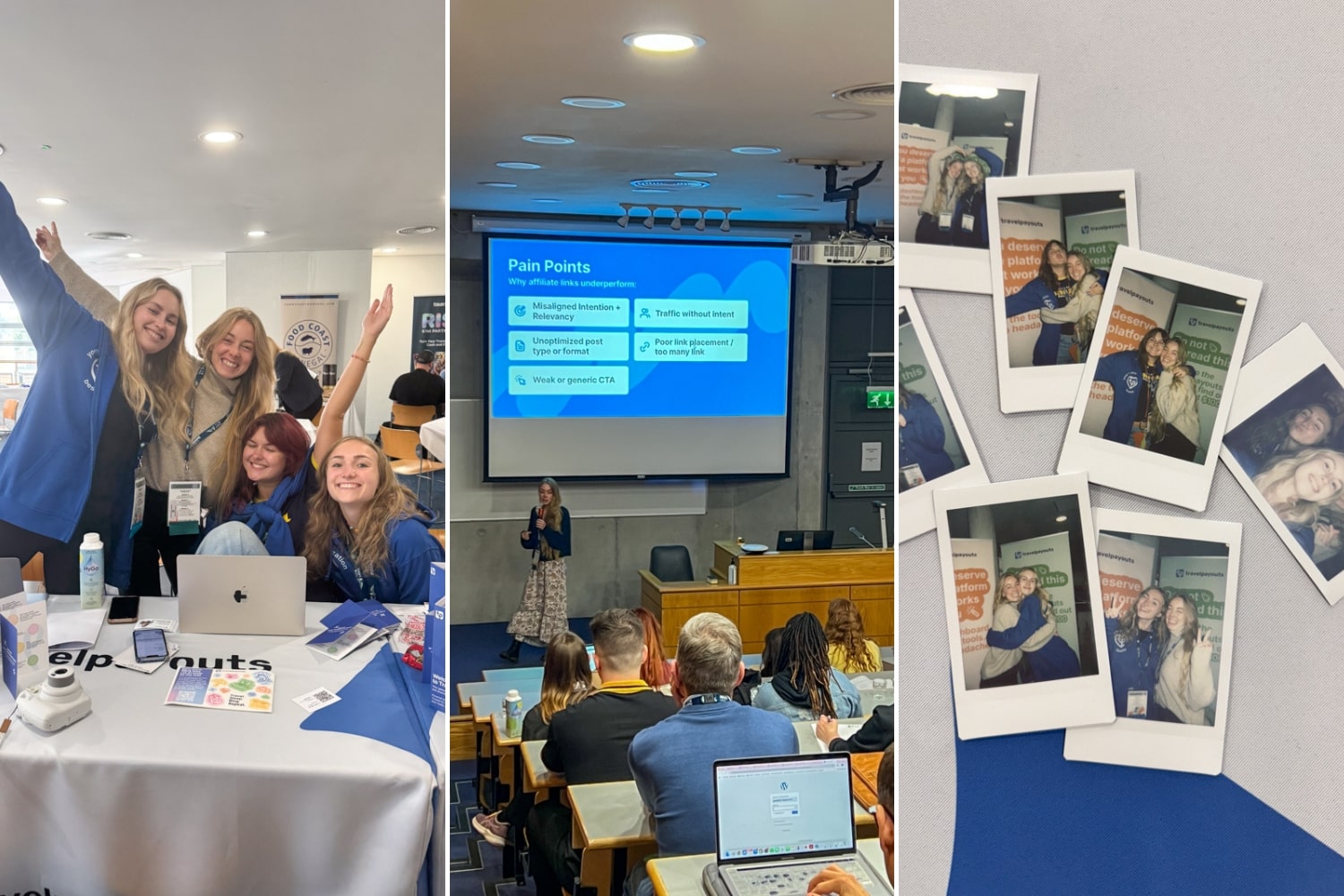
- Helped 100+ bloggers & creators scale their blogs intentionally and sustainably
And you can do this, too!
Turn Your Travel Blog into a Business
with my signature course & coaching
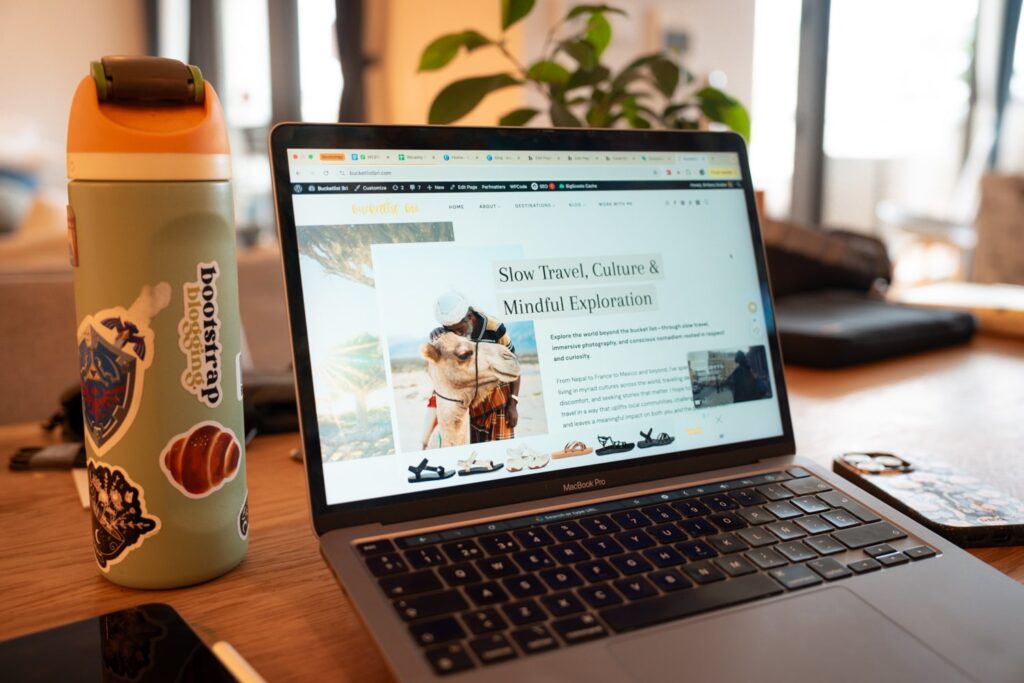
Bootstrap Blogging Course: Foundations
My signature self-paced travel blogging course with lifetime access.
Learn how to grow your traffic, write blog posts that rank and connect, and monetize with affiliates, ads, and digital products using my tried-and-true SEO and storytelling strategies.
- Lifetime access to the full course
- Step-by-step blogging blueprint
Bootstrap Blogging: Momentum
The course + community tier for ongoing growth and accountability.
For bloggers who want to go further together. This tier includes everything in the course, plus community and group support to help you stay on track:
- Slack community for Q&A, wins, and 1:1 feedback
- 6x Group Calls per year
- Group-only offers and bonus trainings
- Priority email support (3 months)
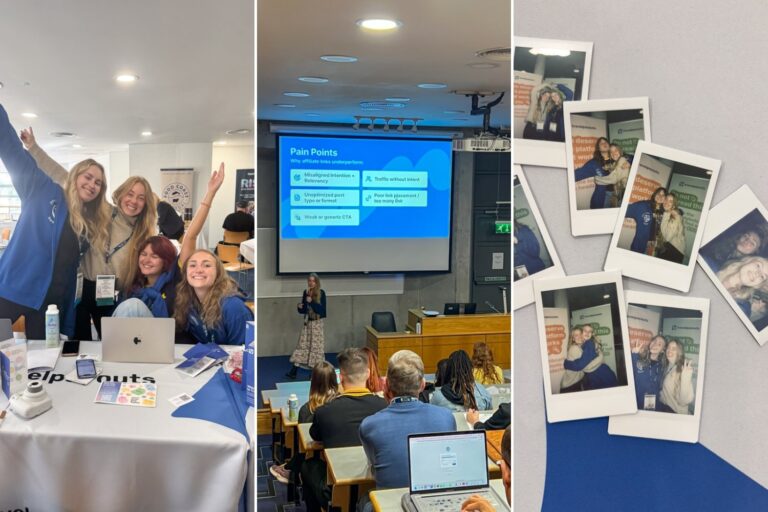
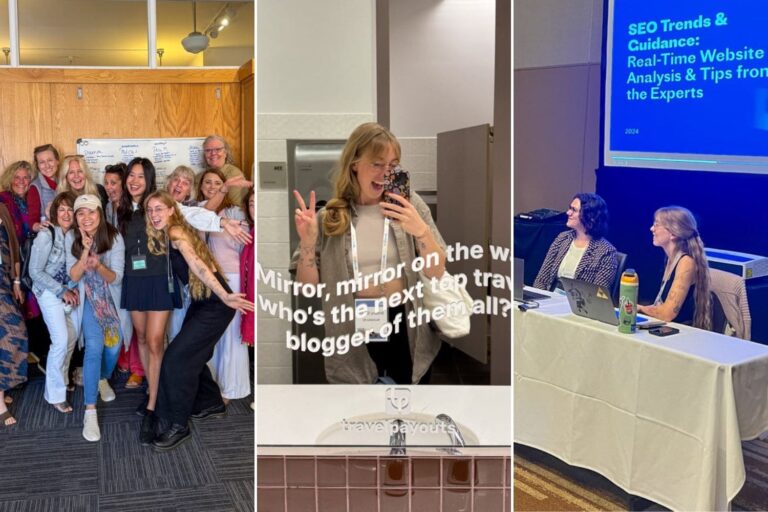
- Access to Bootstrap Blogging Retreats


Bootstrap Breakthrough: Private Coaching
Limited 1:1 coaching container to intentionally scale your blog.
WAITLIST OPEN, APPLY BELOW. This 4-week VIP experience is designed to accelerate your clarity, strategy, and give you a custom step-by-step action plan to reach your next blogging milestone.
- Everything in Momentum tier
- 1x 70-minute private coaching call
- 2x blog post writing audits
- Private Slack support (4 weeks)
- Limited seats available; waitlist below

Tune in to My Travel blogging Podcast
Bootstrap Bonfire.
Welcome to Bootstrap Bonfire, a podcast show where I talk about building a purpose-driven travel blog and business, without the burnout (pun intended!). Join me in creating your dream blog, minus the chaos. Think cozy convos, practical advice, and behind-the-scenes stories from me, your fellow travel blogger + blog coach, (Bucketlist) Bri!
Gather ’round for warm chats on building a blog and biz with purpose.
Tune in now!✨

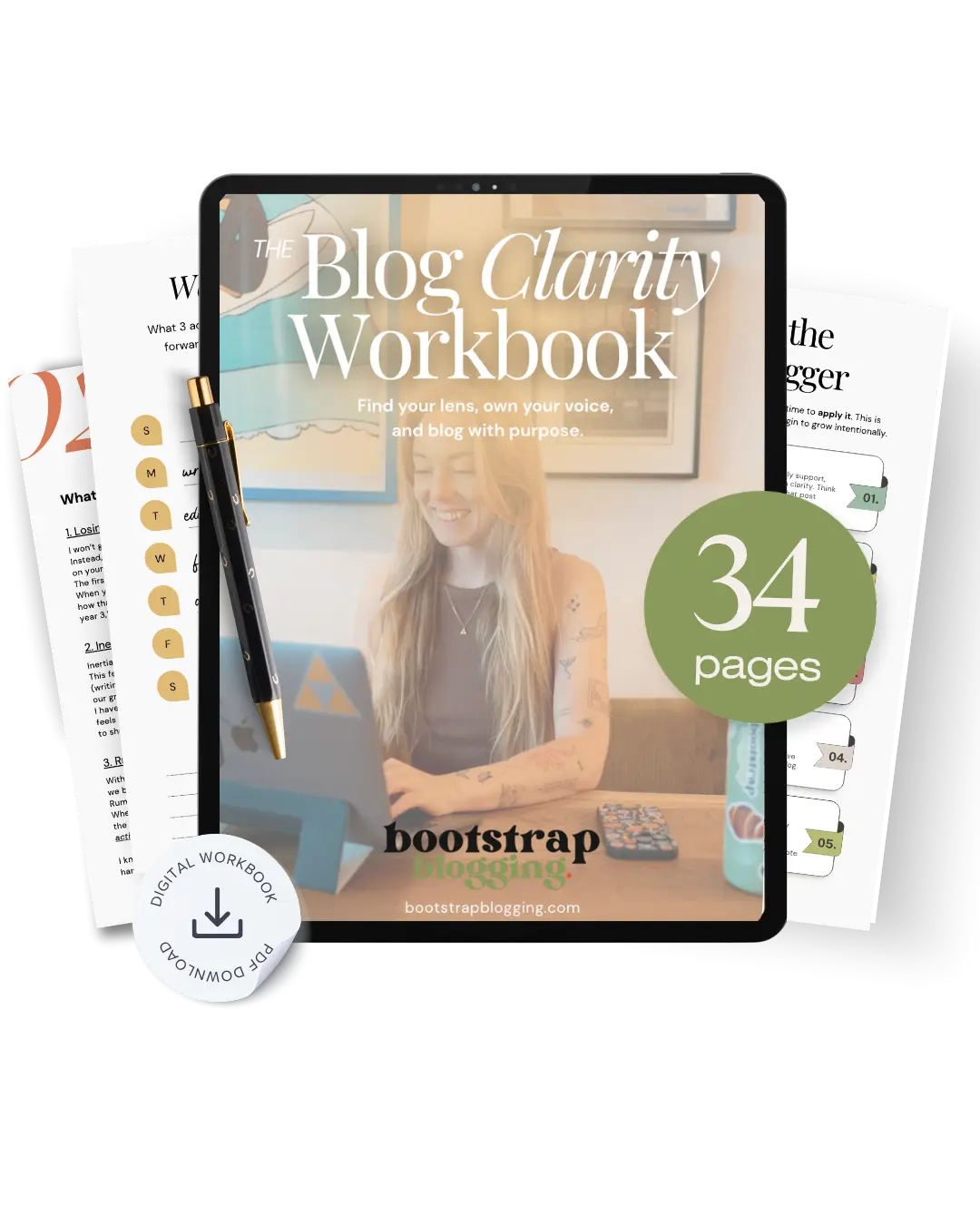
It’s time to reclaim your voice
The Blog Clarity Workbook
My guided workbook walks you through defining your niche, removing mindset blocks, and reconnecting with the deeper why behind your work—so you can take confident, aligned action toward your next chapter! 🌱
- Aligned Content Filter — Define your niche, values, and discover your story so your content strategy flows naturally.
- Fillable Trackers — Keep tabs on your blogging habits, goals, and progress without the overwhelm.
- 10-Day Clarity Planner — Daily prompts and reflection pages designed to bring focus, inspiration, and direction back to your creative process.
- Digital-Friendly Format — Write directly on your iPad or tablet (or print it out if you love pen-to-paper journaling!).
The Blog Library.
Browse the free blog hub to start, grow & monetize your blog with purpose
without the burnout or overwhelm
-
Travel Blog Income Breakdown: How Much Do Travel Bloggers Really Make?
If you are thinking blogging is dead, think again! Travel bloggers are still growing their income and traffic while scaling…